The Panel on the Desk
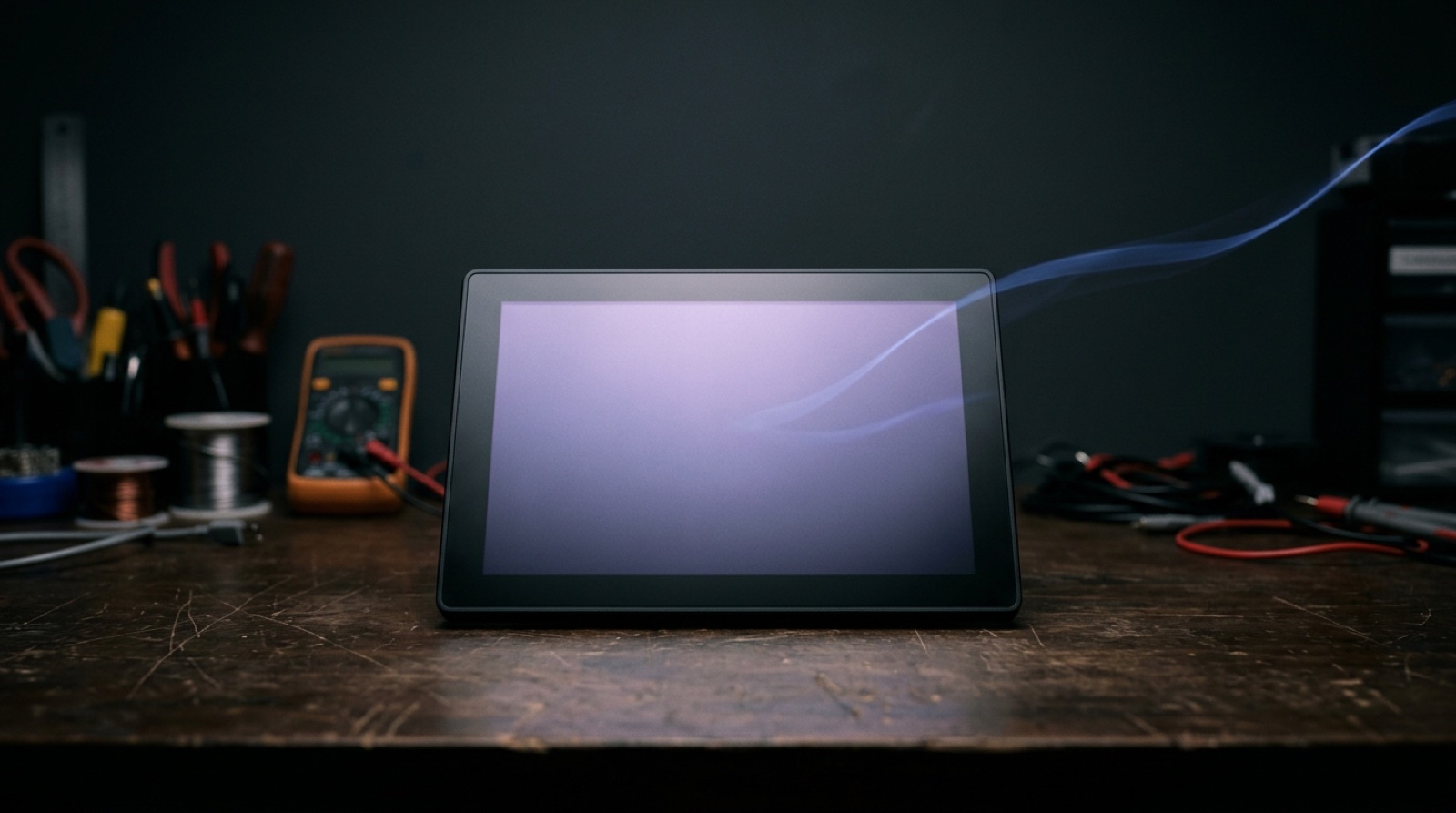
There is a 4.3 inch touchscreen sitting on a desk in our office. 800x480 pixels, an ESP32-S3 behind it, no keyboard, no mouse, no idea what it is for. It boots, it advertises one Bluetooth service, and it waits.
Whatever it becomes next - a booking display, a lights panel, a rally roadbook, a timer, a permission prompt for a coding agent - it becomes in about a second, over Bluetooth, without anyone recompiling anything.
That last part is the whole product. Everything else is packaging.
The Reason Software Studios Avoid Hardware
We build web applications. Fastify, React, Postgres, the usual. Clients kept asking for something physical: a panel on a wall, a screen at a machine, a terminal at a counter. And every time, the honest answer was that a physical interface is a separate discipline with a separate cost structure.
Here is why. In the normal way of doing this, each application gets its own firmware. Someone writes C, defines the screens in code, flashes the board, and iterates with a cable. When the customer wants a fourth button, that is a firmware change, a new build, a new flash, and a new way to brick a device in the field. The hardware and the application are welded together. You are not shipping one product, you are shipping a firmware project per customer, forever.
That is a terrible business to be in when you are eleven people and your actual skill is application logic.
So we asked a different question. What is the smallest thing the screen has to know?
The Answer Is: Almost Nothing
The terminal knows how to draw seven primitives. Box, text, button, list, progress, gauge, image. That is the complete vocabulary.
A host application connects over Bluetooth, sends one declarative configuration describing screens built from those primitives, and then streams key-value state into the bindings. The terminal renders with LVGL and sends taps and answers back as events. It never learns what a booking is, what a kilowatt is, or which customer it belongs to.
Concretely, the wire looks like this. One Bluetooth GATT service with four characteristics: a control channel you write to, an event channel that notifies, an info channel you read, and a log channel. Every frame is a 16-bit little-endian length followed by a CBOR map with a t field saying what it is.
Eight inbound message types. hello to introduce yourself, cfg to send the interface, set to push state, plus identify, unlink, ping, wifi and update. Six outbound: status, event, pong, nack, network, over-the-air progress. That is the entire protocol.
The interesting consequence is what happens after the first second. The configuration goes over once. After that, an application that shows a temperature is sending three bytes and a key. Bluetooth Low Energy is not a fast link, and a design where the host redraws pixels remotely would have felt like it. A design where the host sends {temp: 21.5} does not.
Constraints, Written Down
The whole configuration must fit in a single 64 kB frame. Sixteen screens. Sixty-four children per node. Sixty-four image assets. Nesting depth twelve. A hundred and twenty-eight state keys.
Those are not arbitrary. They are what an ESP32-S3 can hold without swapping, and writing them into a machine-readable compatibility file was more useful than any amount of documentation. Every encoder checks against it. A host that tries to send seventeen screens gets told no, in code, at build time, instead of discovering something odd on a wall panel in a warehouse.
Text formatting supports exactly four patterns: %d, %.1f, %.2f, and mm:ss. There is deliberately no zero-decimal float format. Round in the host and send an integer. Every format we add is a format three separate implementations have to agree on forever.
Three Encoders, One Set of Bytes
There are three independent implementations of this protocol: the C core in the firmware, a Swift package for Mac and iPhone applications, and a TypeScript package for the browser. They must produce byte-identical output, because the bytes decide a CRC-32 hash of the configuration, and that hash decides whether the terminal bothers to reprovision itself.
Which means CBOR map ordering is part of the specification, not an implementation detail. Node keys go in a fixed order with the type first and children last. The configuration is version, size, home, theme, screens, assets. The theme is always complete. Assets are sorted. An encoder that reorders anything “harmlessly” breaks the hash and causes a reprovision on every connect.
Keeping three languages honest about that needs more than good intentions, so there is a specification kit: JSON schemas, the compatibility file, seventeen interface vectors and thirty-two scalar CBOR vectors, each with its expected bytes, its hash, its frames and a reference render.
A primitive is not finished until the schema, the vectors, the firmware and all three SDKs agree.
The Simulator Is the First Screen You Look At
The renderer compiles for macOS as well as for the board. Same source, same LVGL, a window instead of a panel. It also compiles to WebAssembly, so the browser editor on our site shows the real renderer rather than a CSS approximation of it.
 The same renderer runs in a window and on the board, so a layout is judged long before hardware is involved.
Of the 384,000 pixels in a frame, zero differ between the WebAssembly build and the native one.
That number is the reason design iteration happens in seconds instead of flash cycles. You draw a layout, render a PNG, look at it, change it. The board only gets involved when the layout is already right.
Two Panels, One Refusal
In September a second board joined the family: a 4 inch square panel, 480x480, different display driver, different touch controller, two hardware revisions that need probing at boot because they put their IO expander at different addresses.
The tempting move is to scale layouts. We did not. A configuration now carries the size it was drawn for, and the info channel reports the board and its resolution. Send a configuration for the wrong size and the terminal refuses it with a reason and paints its own “not for this screen” page.
The application owns the layout, the terminal owns the refusal.
That is the rule we settled on. An application supporting several sizes reads the info first and sends the right one. An application supporting one just sends it and fails cleanly and visibly. What we rejected was firmware-side scaling, layout variants inside one configuration, and a separate firmware per panel. One source tree, one version, one image per board, and exactly one directory that knows about pins and resolution.
Where It Bit Us
Version 0.1.4 is withdrawn and will not come back. It shipped over the air, panicked inside its own probation window, and rolled back on every board that took it.
 Memory that quietly disappears is the kind of bug you only meet after the update has already shipped.
The root cause was a configuration flag that silently did nothing. A setting meant to make Wi-Fi transmit buffers dynamic had a dependency that was not met, so sixteen static buffers quietly held about 25 kB of internal RAM. Add receive aggregation on top and the Bluetooth stack’s allocation failed at boot, which aborted, which rolled back. The fix in 0.1.5 was six static buffers, aggregation off, a smaller window, and a rule that over-the-air updates refuse to start under 16 kB of free heap.
Second one, less dramatic: Web Bluetooth writes are chunked to 180 bytes and acknowledged every eighth chunk. We started at 512 bytes unacknowledged, which was fine until a demo pushed JPEG album art over the link and the real device stuttered and stalled. The simulator never complained, because the simulator has no radio.
What This Actually Buys
Provisioning and updates run through Foundry, our device registry: it holds the boards, the firmware channels, and a page that flashes a device from a browser over USB. Consent lives on the glass itself, so the first time a new application says hello, someone has to physically approve it on the screen. The token belongs to the application, not to any bridge in between.
The result is that adding a new physical interface is now application work. Someone writes a layout in TypeScript or Swift, checks it in the simulator, and ships it. No toolchain, no cable, no firmware release, no new way to brick something in the field.
A software studio can ship hardware. It just has to keep the hardware stupid.