
Foundry: Firmware Without the Ceremony
Posted: 2026 | Category: Hardware Platform
The Second Product Is Where It Goes Wrong
The first connected device you ship is fine. One board, one binary, one person who knows how to flash it, one afternoon spent copying a build over USB.
The second one is where it falls apart.
Now there are two firmware trees, and both of them contain their own Wi-Fi setup portal. Both have their own captive page, their own hotspot, their own “enter your password here” form, and the two implementations have already drifted. One handles a wrong password gracefully. The other reboots.
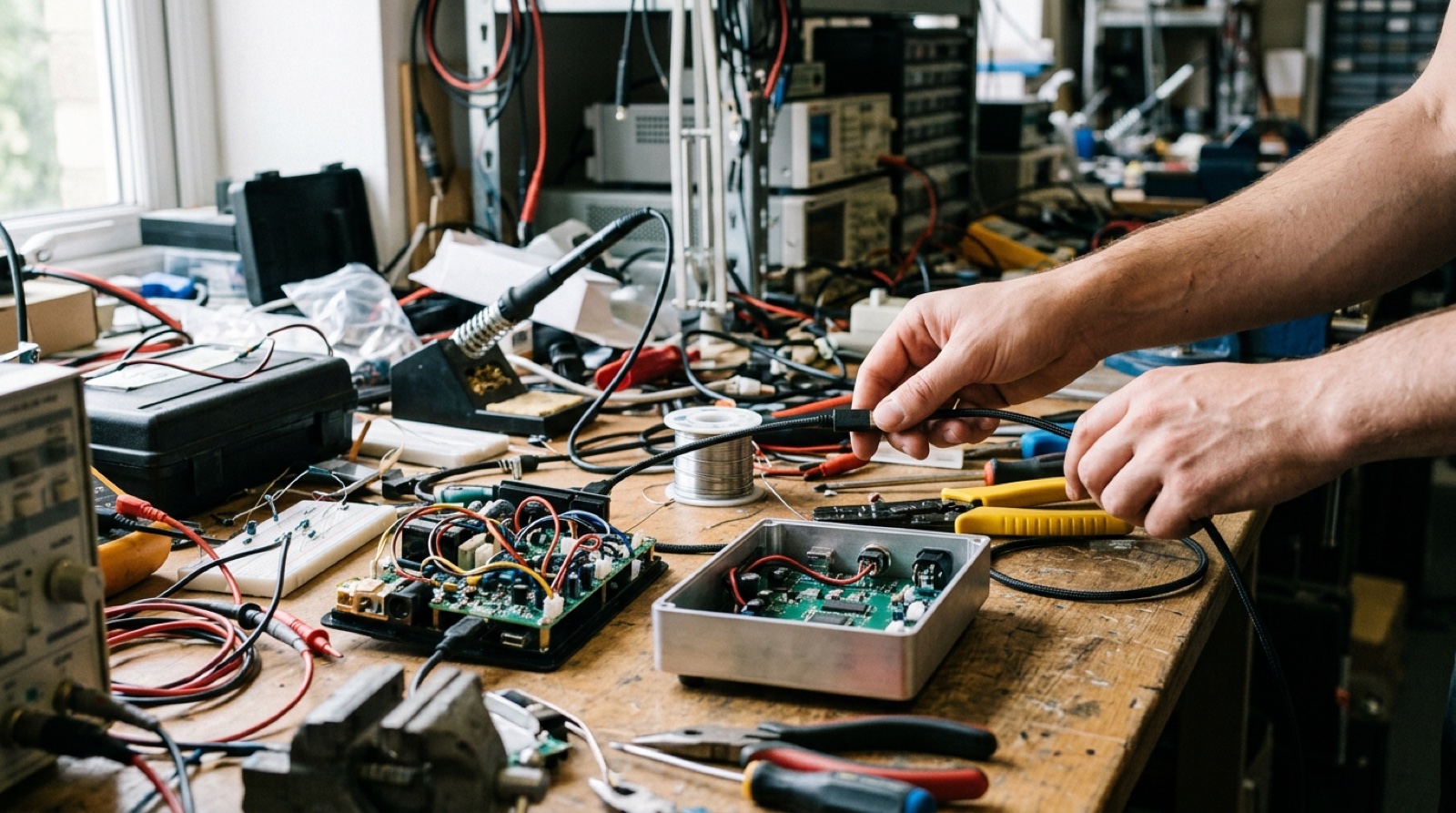 Two products, two of everything. The second copy is where the drift starts.
Both have their own update mechanism, or more likely, neither does, because writing one is a week of work and you needed to ship. Which means the devices already in the field are frozen at whatever version left the workshop.
And flashing is still a laptop with the right toolchain, the right Python version and a cable. So the only person who can put firmware on a box is the person who wrote it.
Flash It From a Browser
Plug an ESP32-S3 into any computer running Chrome or Edge. Open foundry.glue.blue. Pick a product. Click Install.
That is the whole procedure. Web Serial does the rest, and the person doing it needs no toolchain, no Python, no repository checkout and no idea what a partition table is.
This works because of a decision that sounds small and is not: the binaries contain no secrets. A build is generic per product and board. There is no per-device image, no key baked in, no serial number compiled into anything.
A device becomes someone’s only afterwards, through a setup URL. The product’s web app shows one. The device swallows it, pasted into its own captive portal page or scanned as a QR code with a phone camera. The device redeems it once for a long-lived token, and from that moment it belongs to an account.
That split is what makes browser flashing safe, and it is also what makes it repeatable.
Anybody can flash. Nobody can flash their way into someone else’s data.
One Component Library, Many Products
Underneath the flash page is the part that actually saves the time: shared ESP-IDF components that every product uses instead of writing again.
Provisioning. The hotspot, the captive setup page, collecting the Wi-Fi network and password and setup URL, joining, and redeeming. One implementation. Only strings change per product, through configuration: the title, the help text, the URL marker.
Pairing doubles as verification here, which is a small thing that removes a whole class of support calls. Redeeming the setup URL proves the network works, the server is reachable and the token is valid, all in the one request that had to happen anyway. A device that finishes setup is a device that works.
Over-the-air updates. Registry polling, download, install, and rollback.
Display. Screens for the products that have one.
A product’s own firmware becomes a thin domain layer that declares which components it needs. Reading a meter, driving a printer, showing a dashboard. Everything else is already written and already debugged, once.
Updates That Cannot Brick the Fleet
Three rules run the update path, and each one exists because the alternative is a truck roll.
A build’s bytes are immutable. Version 0.1.3 is one exact set of bytes forever. Promoting it to a channel does not rebuild it. What you tested is what ships.
Any difference installs, not just a higher number. If you promote an older version to the stable channel, devices running the newer one come back down. A rollback in the registry is a rollback in the field, and it takes effect on the next check-in rather than requiring a new release.
Images boot on probation. A new image gets one boot to prove itself. It has to reach a successful check-in and mark itself healthy. If it does not, the bootloader reverts to what was there before, on its own, with nobody watching.
That last rule has already earned its keep. One firmware version panicked inside its own probation window and rolled back on every board it touched. Nothing needed a cable. Nothing needed a visit. The fleet went back to the previous version and the version was withdrawn.
When It Fails, It Says Why
An update that fails reports what happened: which phase it died in, whether that was download, verify, apply, boot or rollback, the device’s own error name, the reset reason, the free heap at the moment it gave up, and how many bytes of the image had arrived.
A device that came back from a panic, a watchdog or a brownout says so on its next check-in, with the core dump summary when the crash left one: the task, the program counter, the exception cause, the address it touched and a backtrace. Alongside it goes the firmware’s own breadcrumb, the last thing it recorded it was doing, with the uptime and the heap at that moment.
The console groups repeated refusals of the same version into one row with a count, the reason, and whether the device is still being handed the build it cannot install. Because the failure mode you actually hit is not a dramatic one.
It is a device quietly refusing the same update forty times while a dashboard shows it as online.
Who This Is For
Anyone shipping their second connected product. The first one taught you what provisioning and updates cost. Foundry means you pay for them once.
Small hardware teams without a firmware specialist. The hard parts, dual-slot partitioning, signed images, rollback, captive portals, are the shared components rather than your problem.
 A cable and a browser tab is the entire training course.
Anyone who needs non-engineers to flash devices. A Chrome tab and a USB cable. That is the training.
Multi-tenant hardware. Products, boards and builds belong to a workspace, and the workspace a device answers to is decided by the build that was put on it. Re-pairing a device to a different account does not move it between workspaces. Only reflashing does.
What It Already Runs
Foundry publishes the firmware for the Glass HMI terminal, across two board variants under one product and one version. It serves the flash page those terminals are installed from. An energy monitor reading a Belgian P1 meter runs on it. A print agent is next.
Get Started
Go to foundry.glue.blue, plug in a board, and click Install. Then look at how much of your next product’s firmware you were about to write for the second time.
Foundry is built by glue.blue - we stick solutions to problems. Permanently.
→ Open the flash page → Contact Us
Posted in: Hardware, Firmware, IoT, Platform