

Panelloop: Because Architect Renders Shouldn’t Take All Day to Quote
Posted: 2026 | Category: Interior Automation
The Specification Gap
You know the drill. An architect sends you three renders, a floor plan, and a vague email: “Custom built-in closet, oak veneer, soft-close, matching the kitchen - can you quote by Friday?”
Now comes the real work. You open the renders. You squint at dimensions. You start an Excel sheet. Column A: part name. Column B: length. Column C: width. Column D: material. Column E: edge banding. You do this for every shelf, every drawer front, every side panel, every back panel.
Three hours later, you’ve got a spec. Maybe. If you didn’t miss anything. If the architect’s render actually matches the floor plan. If you remembered to account for the grain direction on the oak panels.
Then you need to figure out how many sheets to order. 2440x1220 or 2800x2070? How do you cut them with minimal waste? Another hour with a calculator and some creative Tetris.
Welcome to the Specification Gap.
Architect dreams meet carpenter reality, and Excel is the only bridge.
How We Glued It Shut
Panelloop takes the architect’s input - renders, floor plans, emails, whatever they send - and turns it into production-ready specifications in minutes.
Here’s how it works:
Step 1: Upload & Analyze. Drop in the architect’s renders, photos, and project description. Our AI vision models analyze every image in parallel - identifying furniture types, materials, construction details, hardware requirements.
Step 2: Specifications Generated. The AI synthesizes everything into a structured specification: rooms, furniture units, individual parts. Every shelf, every drawer, every panel - with dimensions, materials, and edge banding details. It even flags gaps and inconsistencies in the architect’s brief.
Step 3: Cutting Lists. One click converts your spec into a production-ready sawlist. Sheet materials, individual pieces with exact dimensions, grain orientation, edge banding per side. Plus a complete hardware list - hinges, handles, fasteners, everything.
Step 4: Sheet Optimization. Our guillotine packing algorithm calculates the most efficient way to cut your sheets. Minimal waste. Respects grain direction. Accounts for saw kerf. Suggests optimal sheet sizes from your material library.
Step 5: Export & Produce. Download a clean Excel workbook - multiple sheets with materials, cutting list, hardware, and summary. Send it straight to the sawing machine. Done.
What used to take a full afternoon now takes a coffee break.
The Good Stuff
AI That Sees What You See
Architect renders, 3D visualizations and floor plans all go in, and what comes back is furniture types, materials and construction methods. Where the images and the descriptions disagree with each other, it says so, and the gap analysis highlights what is missing before you start production rather than after.
Production-Ready Output
- Structured specifications with rooms, units, and individual parts
- Cutting lists with exact dimensions and grain orientation
- Edge banding details per side of every piece
- Complete hardware lists with quantities
Sheet Optimization That Saves Money
- Guillotine cut algorithm for realistic workshop layouts
- Configurable saw kerf thickness
- Grain direction awareness
- Suggests alternative sheet sizes to minimize waste
- See exactly how many sheets you need before ordering
Your Material Library
Build your own database of sheet materials, laminates and edge bands, with standard sizes, prices and supplier references, then link those materials across projects so the same thing is called the same thing everywhere. Never look up that melamine code again.
Built-In Project Pipeline
Projects are tracked from inquiry to delivery, with the files, emails and specifications attached to each one and a complete audit trail of every change. Busy workshops run as many of them side by side as they need.
Smart Inbox
- Dedicated email address for your workshop
- Incoming architect emails automatically create projects
- AI extracts project details from email content
- Reply threads keep all communication in context
Who This Unsticks
Custom Furniture Builders
You build one-of-a-kind pieces. Every project is different. Every architect has their own way of briefing. Panelloop gives you consistent specs no matter how messy the brief is, faster turnaround on quotes so you quote more and win more, fewer errors that only surface on the workshop floor, and a material library that remembers what you always forget.
Kitchen Manufacturers
Kitchens are complex: upper cabinets, lower cabinets, island units, appliance housings, all with different materials and hardware. Panelloop handles multi-unit projects running to dozens of parts, keeps the mixed materials straight across carcass, fronts and worktop, specifies the hardware per unit type, and produces one cutting list covering all of it.
Interior Building Companies
You’re running multiple projects simultaneously. Different architects, different styles, different deadlines. One platform holds all of the projects and clients, the output is standardised however rough the input was, team members review and edit the specs together, and the Excel export is the one your production floor actually wants.
The Numbers
- 5 minutes to generate what used to take 3+ hours
- 99% accuracy on AI specification extraction
- 30% less material waste through optimized sheet layouts
- Zero lost specs - everything lives in one place
How It Actually Works (No Jargon)
-
Architect sends you stuff Renders, floor plans, a PDF, an email - whatever format they prefer.
-
You upload it to Panelloop Drag and drop. Add any notes or context. Hit “Generate.”
-
AI does the heavy lifting Vision models analyze every image. Text models parse every description. Out comes a structured specification.
-
You review and refine Check the spec. Adjust dimensions. Swap materials. The AI flags anything it’s unsure about.
-
Generate your sawlist One click. Full cutting list with sheet optimization. Download the Excel. Send it to production.
-
Build the thing Because that’s what you’re actually good at.
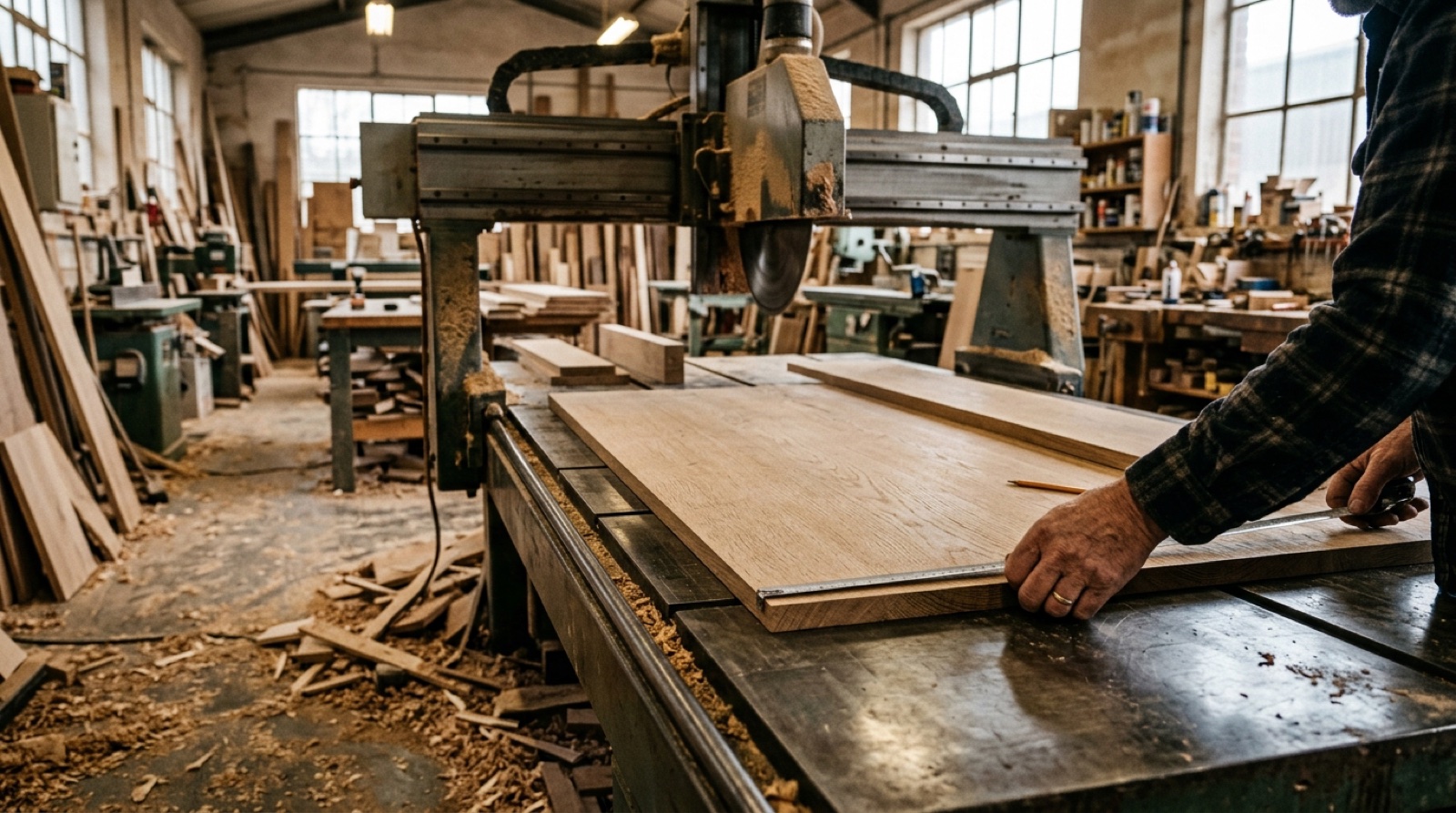 The far end of the process, where a wrong dimension stops being a number and starts being a wasted sheet.
What Makes This Different?
There are ERP systems for furniture companies. There are CAD programs with cutting list modules. There are sheet optimization tools that cost more than your panel saw.
Panelloop is different because it starts from what you actually receive - not a perfect 3D model, but an architect’s render and a half-finished email. It bridges the gap between “what the architect imagines” and “what the workshop needs.”
- No CAD skills required
- No weeks of training
- No per-project fees
- No “enterprise sales call” barriers
We built this because we watched interior builders do this work manually. It was painful to watch. So we fixed it.
Get Started
Still spending your afternoons translating renders into Excel specs? Still ordering too many sheets because you can’t optimize the cuts in your head?
Stop.
Visit panelloop.be and see what AI can do for your workshop. Upload a project. Watch the spec appear. Feel the relief.
Your afternoons belong in the workshop, not in a spreadsheet.
Panelloop is built by glue.blue - we stick solutions to problems. Permanently.
Ready to close the Specification Gap? → Get Started → Contact Us
Posted in: Interior Automation, AI Tools, Manufacturing, Business